Deploy
Once the ETL performs to your satisfaction in Visual Studio it can be deployed to an SSRS server and scheduled as a job.
- Open ETL solution (ETL.sln) in Visual Studio
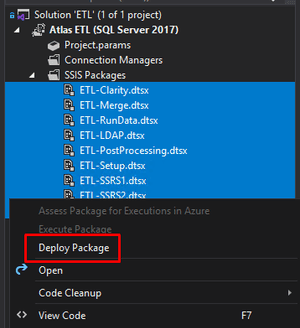
- Highlight all the packages to deploy, right click on the ETL > deploy.
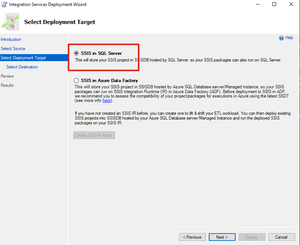
- Choose SSIS as the deploy target
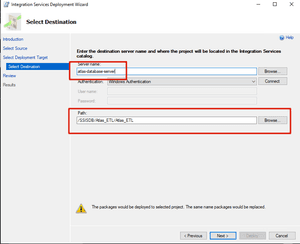
- Enter the destination server name, and path the ETL location. You can create the folder and project.
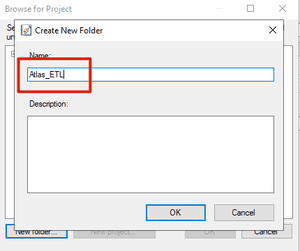
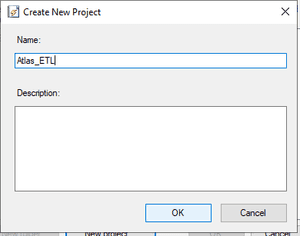
- Click “Deploy”
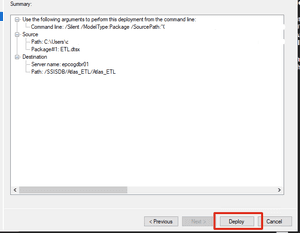
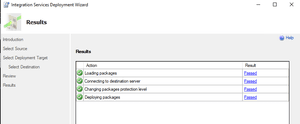
- Verify “Success”